
Image Export
The ERD canvas can be exported as a PNG/SVG image for the current visible area or the entire ERD.
Open Export
Select the image icon in the left toolbar or Export Image in the canvas context menu to open the export dialog.
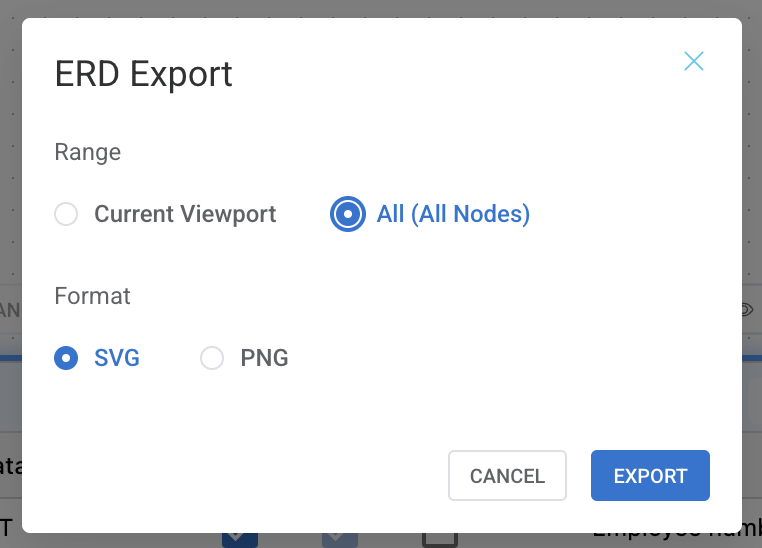
Range and Format
Choose either the current viewport or the entire ERD as the export range. PNG and SVG formats are supported, and clipboard copy is available for PNG.
| Option | Description |
|---|---|
| Viewport | Creates an image only from the area currently visible on screen. Use this when attaching a partial area to a document or issue. |
| All | Captures the full ERD so all nodes and relationship lines are included. |
| PNG | Best for ordinary documents, messengers, and clipboard sharing. |
| SVG | Use this when you need a vector image that stays crisp when zoomed. Clipboard copy is disabled for SVG. |
Security Watermark
If a watermark is configured on the connection profile, protective text appears in the ERD/SQL editor background. Depending on project policy, watermarks can be enforced during printing or export.